O&K Printer Viewer
Open and view printer spool files
O&K Printer Viewer helps you open, inspect and convert printer spool files and printer data files, including SPL, PRN, PCL, PostScript, EMF and other printer formats.
- View what was actually sent to the printer
- Analyze print jobs for troubleshooting and print debugging
- Reprint files or save them as PDF and image files
What is O&K Printer Viewer?
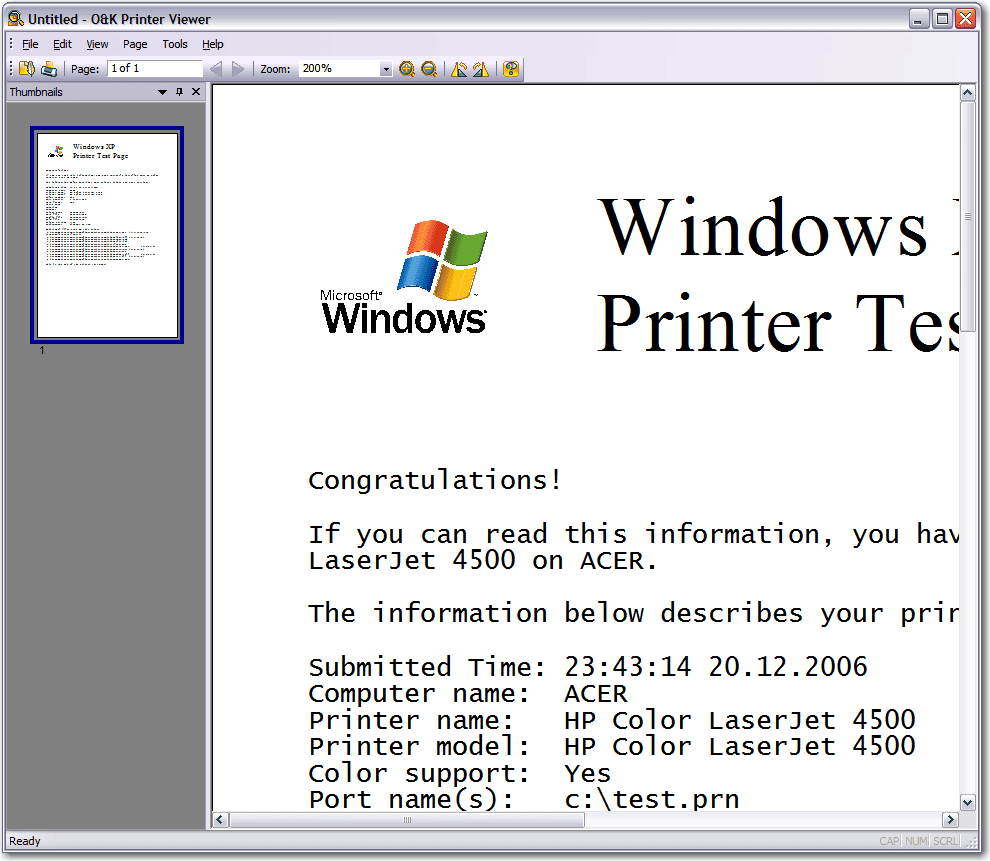
O&K Printer Viewer is a utility for opening and viewing printer data files. The program supports loading spool files, PCL, PostScript and other printer formats, displaying their content as graphical pages.
You can view each document printed on your printer, print it again or save it as a PDF document or graphic file.
What is a printer spool file?
A printer spool file is a file created by Windows or a printer driver before a document is physically printed. Instead of storing editable text like an office document, it usually contains printer commands, page descriptions or device-specific print data.
That is why files such as SPL, PRN, PCL and PostScript are often difficult to open with standard applications. A dedicated printer spool file viewer is needed to display them correctly.
How to open SPL, PRN, PCL and PostScript files
Supported printer file formats
O&K Printer Viewer supports many printer-related formats used in office, technical and label printing workflows.
| Format | Typical use |
|---|---|
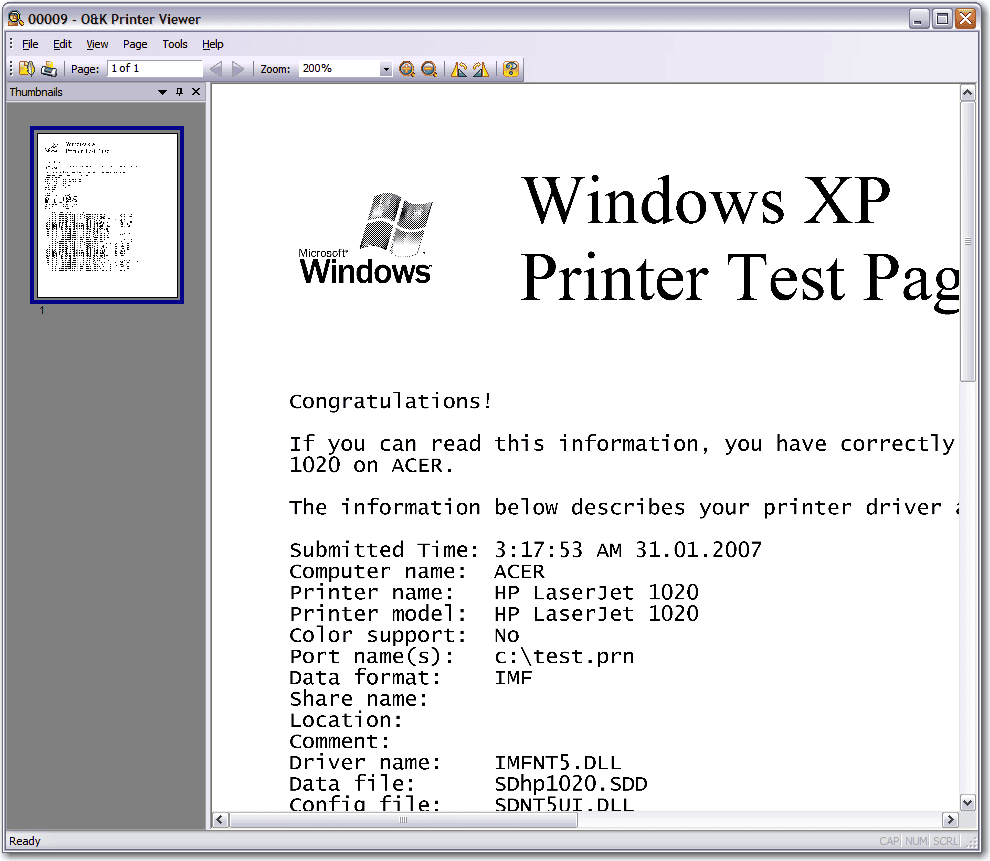
| SPL / EMF spool files | Windows print spooler output and printed document preview |
| PCL5 / PCL6 | Office printer output, print analysis and debugging |
| PostScript | Page description files used by many business printers |
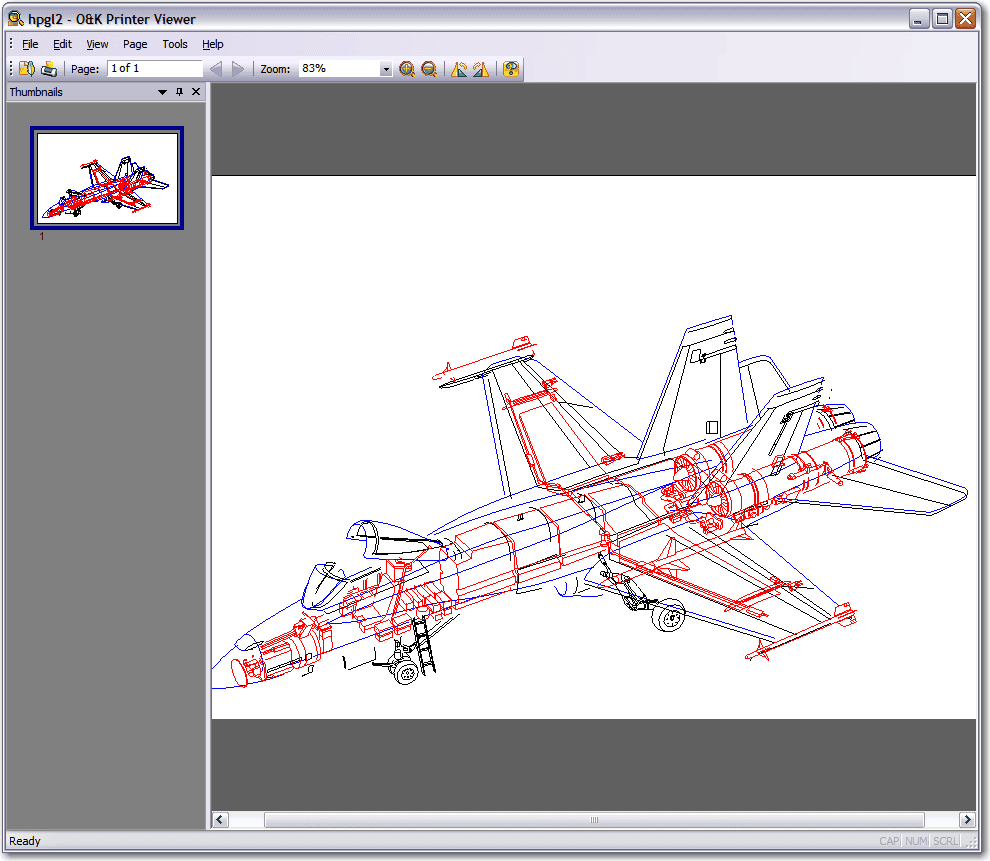
| HP-GL/2 | Graphics, technical drawings and plotter-style output |
| XQX / HBPL / Xerox GDI / CPCA | Vendor-specific printer data formats |
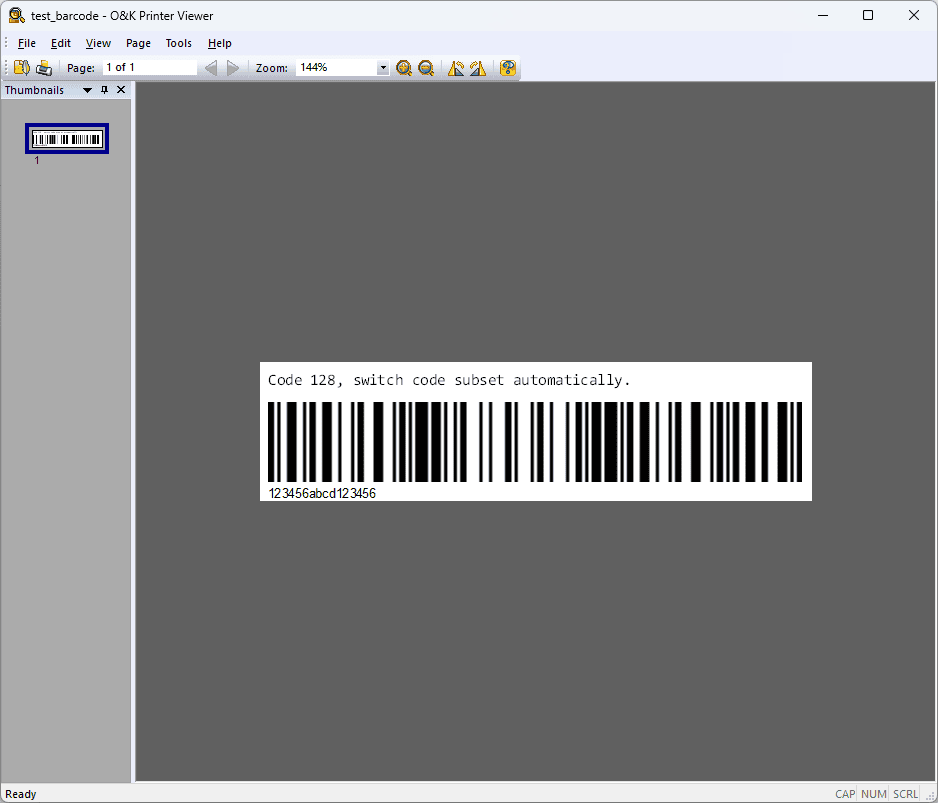
| TSC Printer Language | Thermal barcode and label printing |
Other supported formats include GDI printing (ZjStream), Samsung Printer Language Color and printer-specific data used by selected HP, Dell, Epson, Fuji-Xerox, Xerox, Canon and TSC devices.
What can you do with a spool file?
Who is O&K Printer Viewer for?
Product screenshots
O&K Printer Viewer can display different kinds of printer output, from Windows spool files to office printer formats and label printer data.
Frequently asked questions
How do I open an SPL file?
Open the file in O&K Printer Viewer. The program is designed to display supported spool data as readable page images.
Can I view what was printed on a printer?
Yes. O&K Printer Viewer helps inspect supported spool and printer data files so you can see what was actually sent to the printer.
Can I save printer spool files as PDF?
Yes. The program can save supported printer files as PDF documents or graphic files such as BMP, GIF, JPEG and TIFF.
What formats does O&K Printer Viewer support?
Supported formats include PCL5, HP-GL/2, PCL6, PostScript, GDI printing, EMF spooled files, Samsung Printer Language Color, XQX, Xerox GDI printing, CPCA, HBPL and TSC Printer Language.
Related articles
Download O&K Printer Viewer
Need to open SPL, PRN, PCL, PostScript or other printer spool files? Download O&K Printer Viewer and inspect your print data in a readable visual format.