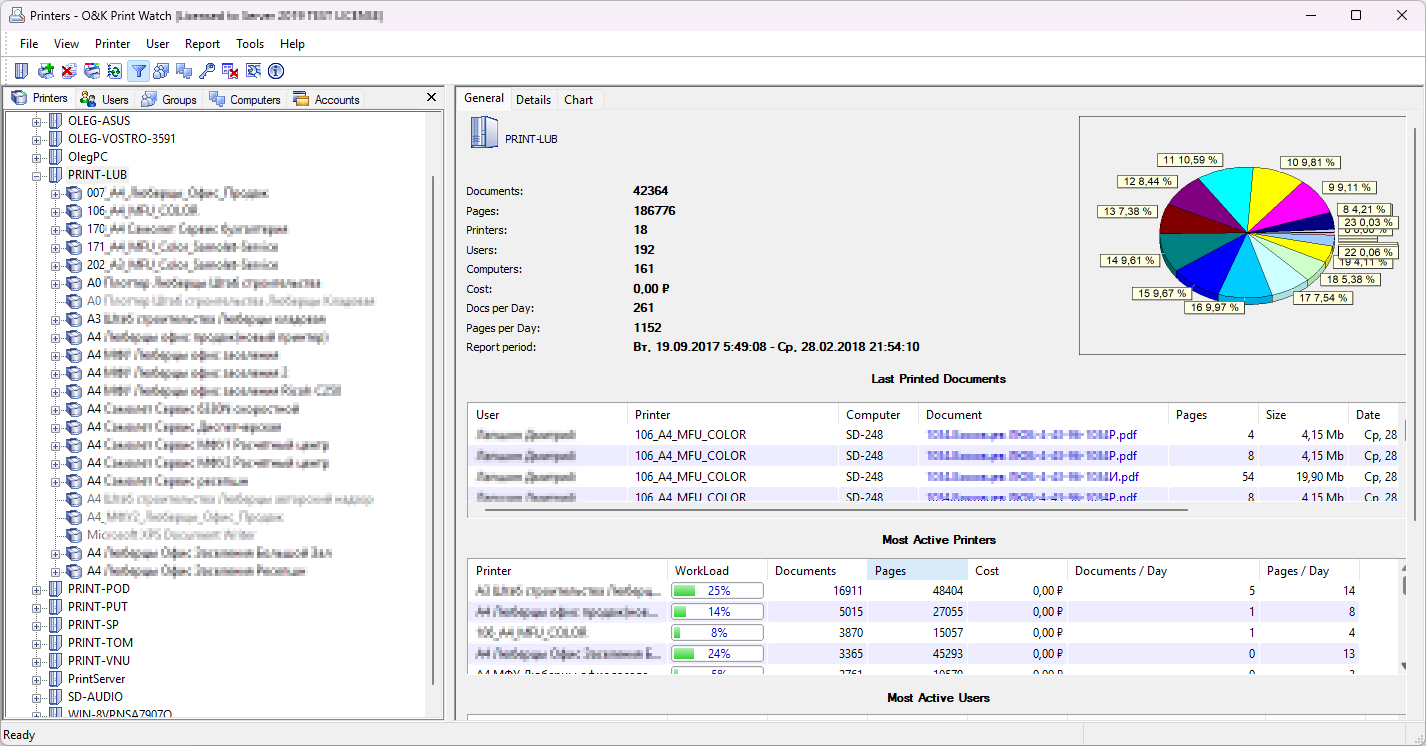
Main monitoring window
Overview of printers, print activity, and the central monitoring interface used for print administration.
This page shows real screenshots of O&K Print Watch — print monitoring software for organizations that need to track printer usage, review print history, audit user activity, and control printing costs.
Browse the interface, charts, reports, and printed document views to see how the software helps administrators monitor local and network printers across a print server environment.
Overview of printers, print activity, and the central monitoring interface used for print administration.
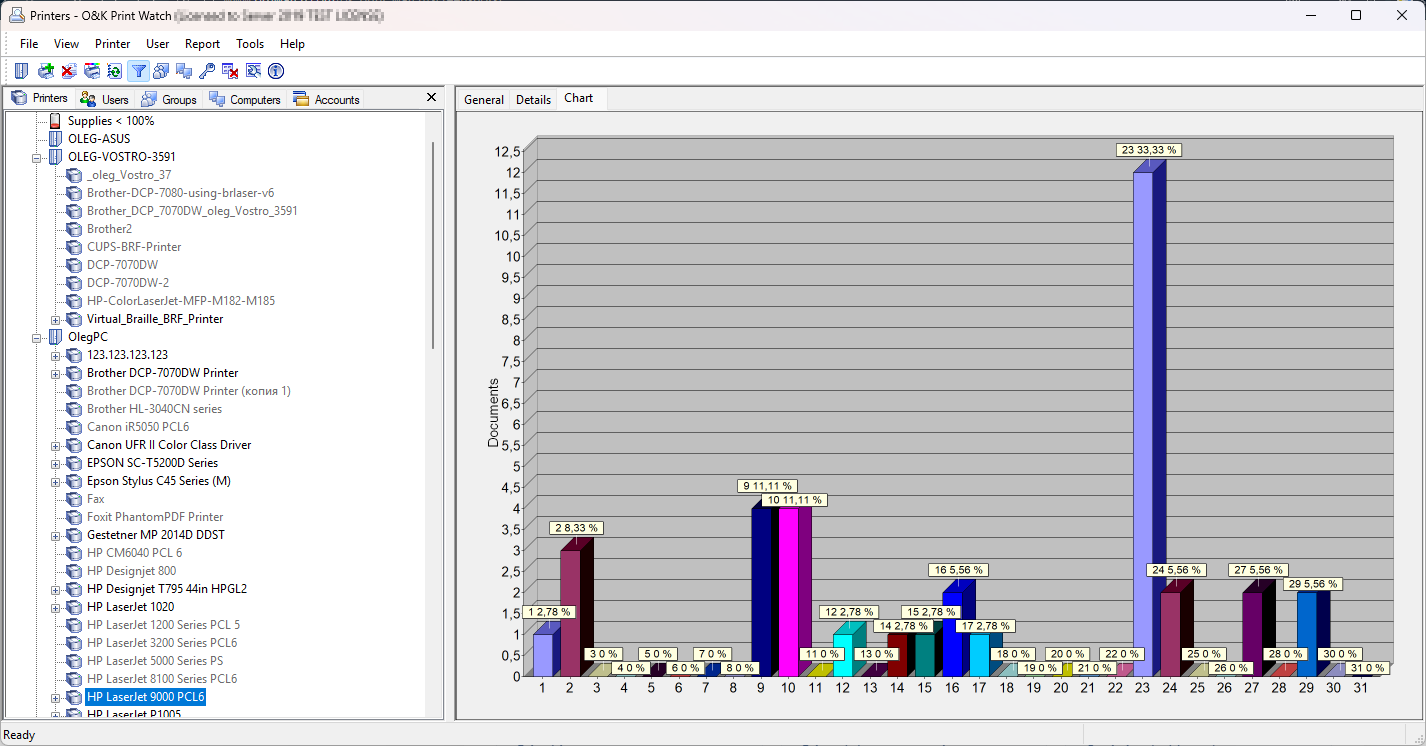
Visual report for analyzing print volume, usage trends, and comparing printer workload over time.
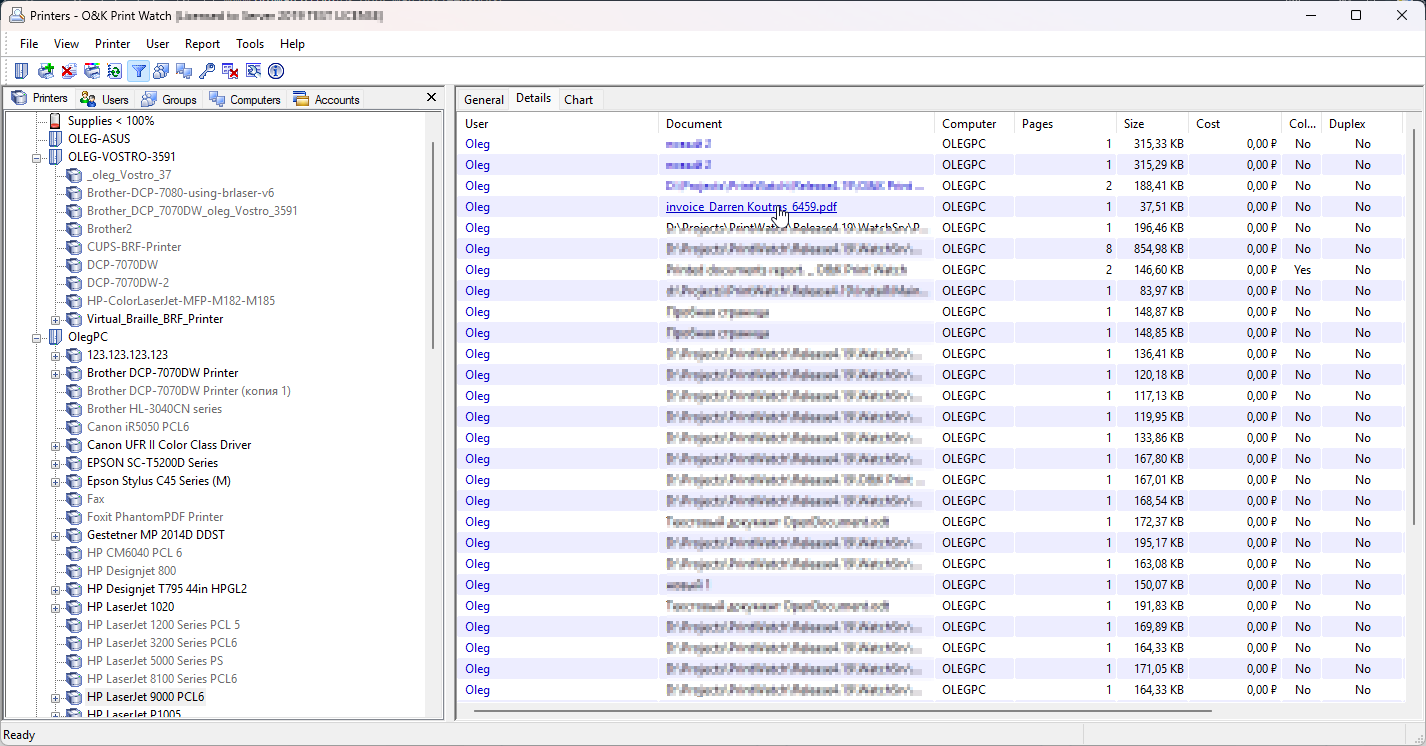
Useful for organizations that need printable reports, internal audit support, and review of printing behavior.
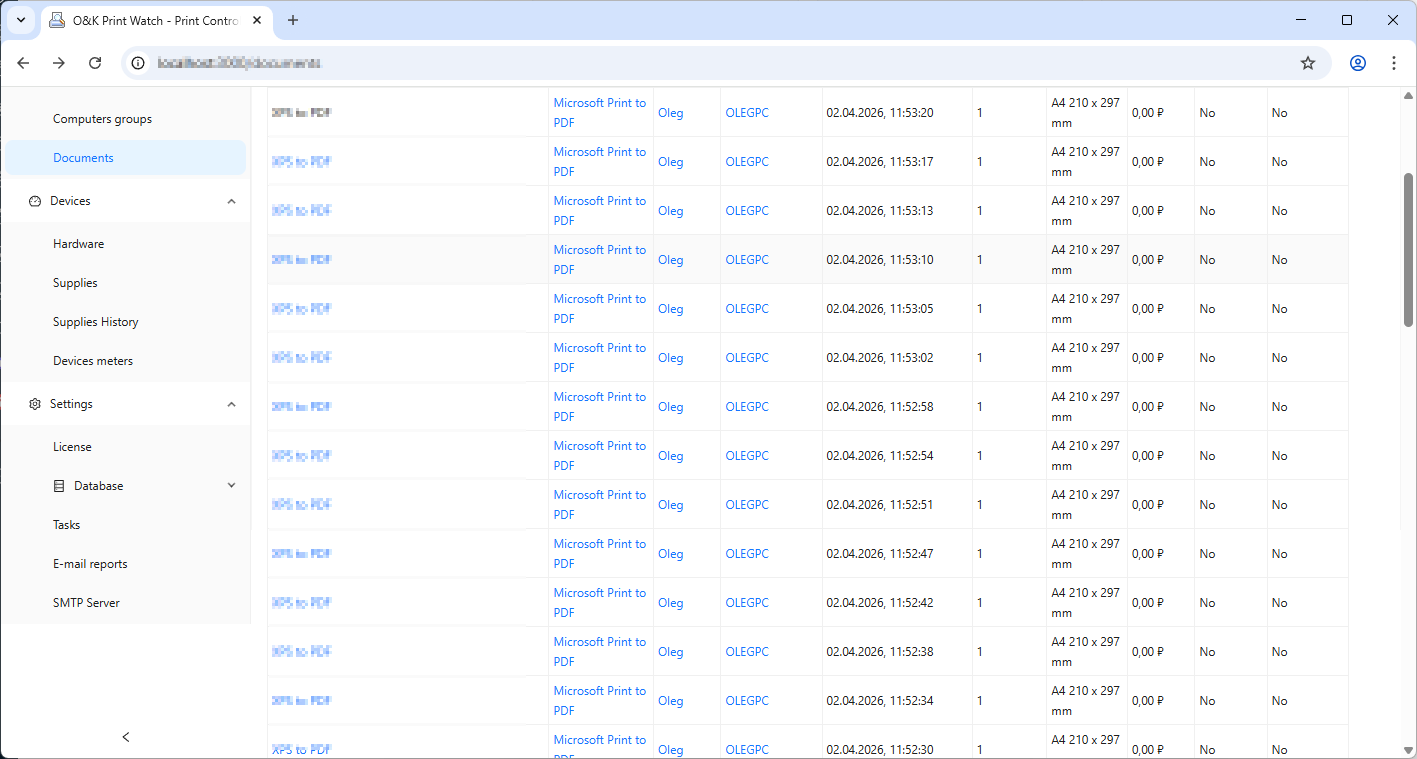
Shows the kind of print log data administrators expect: users, documents, pages, time, and target printers.
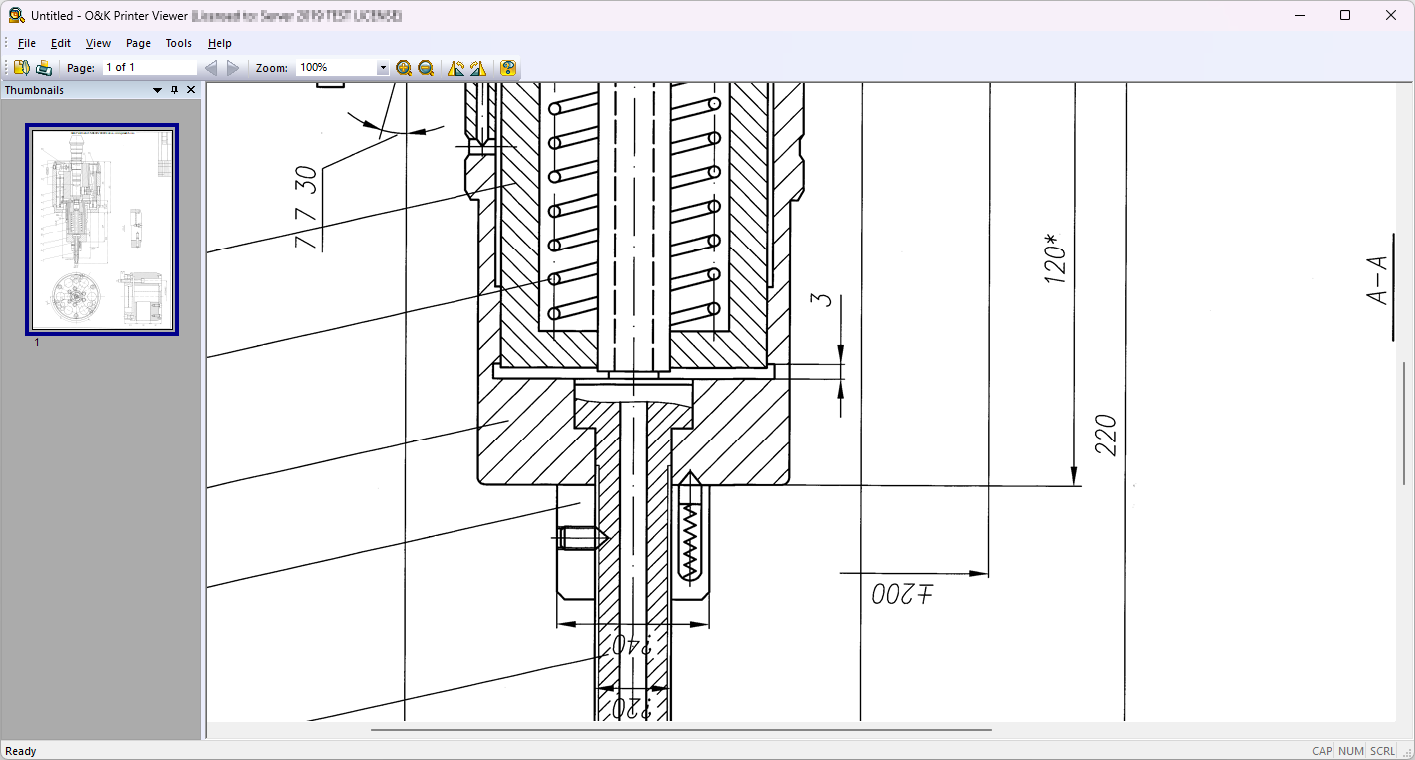
Supports evaluation of printed job visibility and how archived print information can be reviewed later.
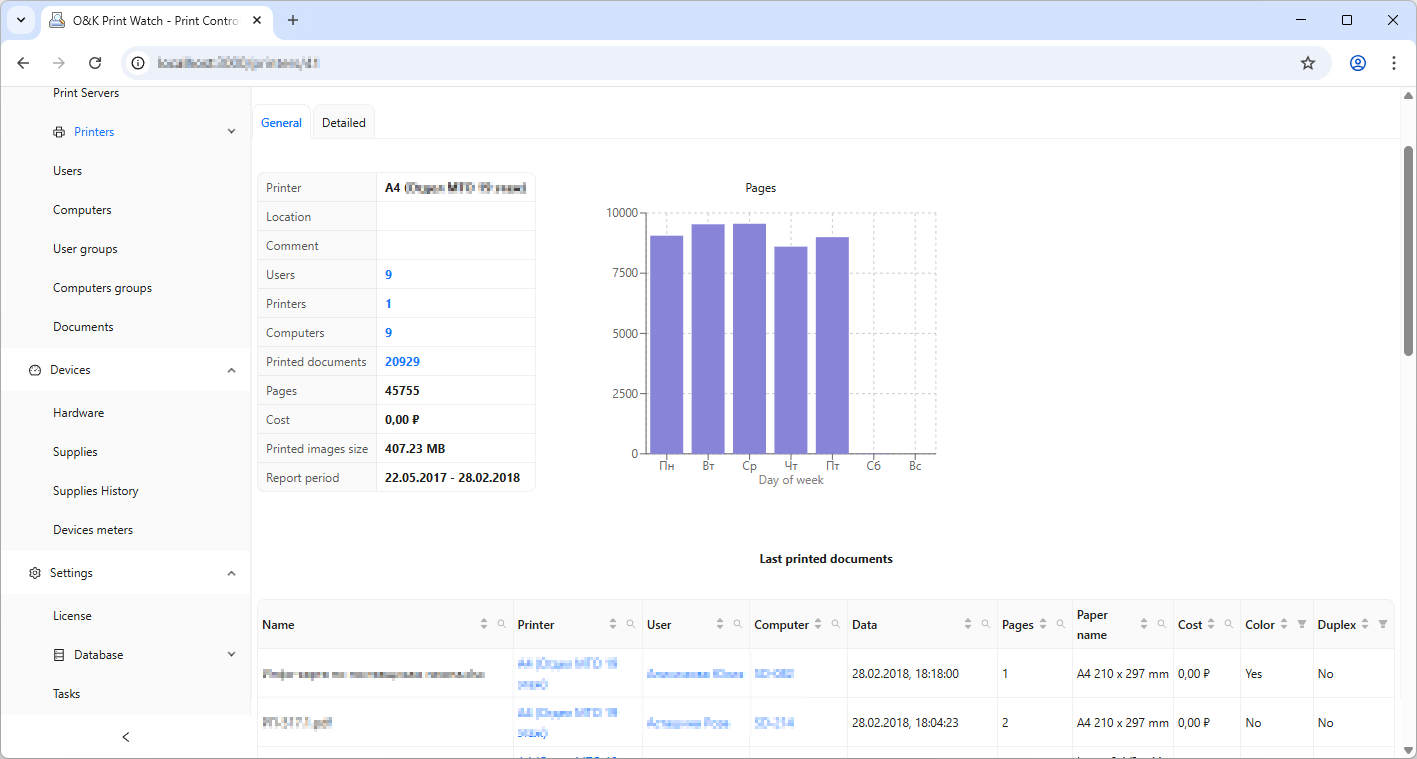
Helps communicate the reporting value of the product for cost reduction and print management analysis.
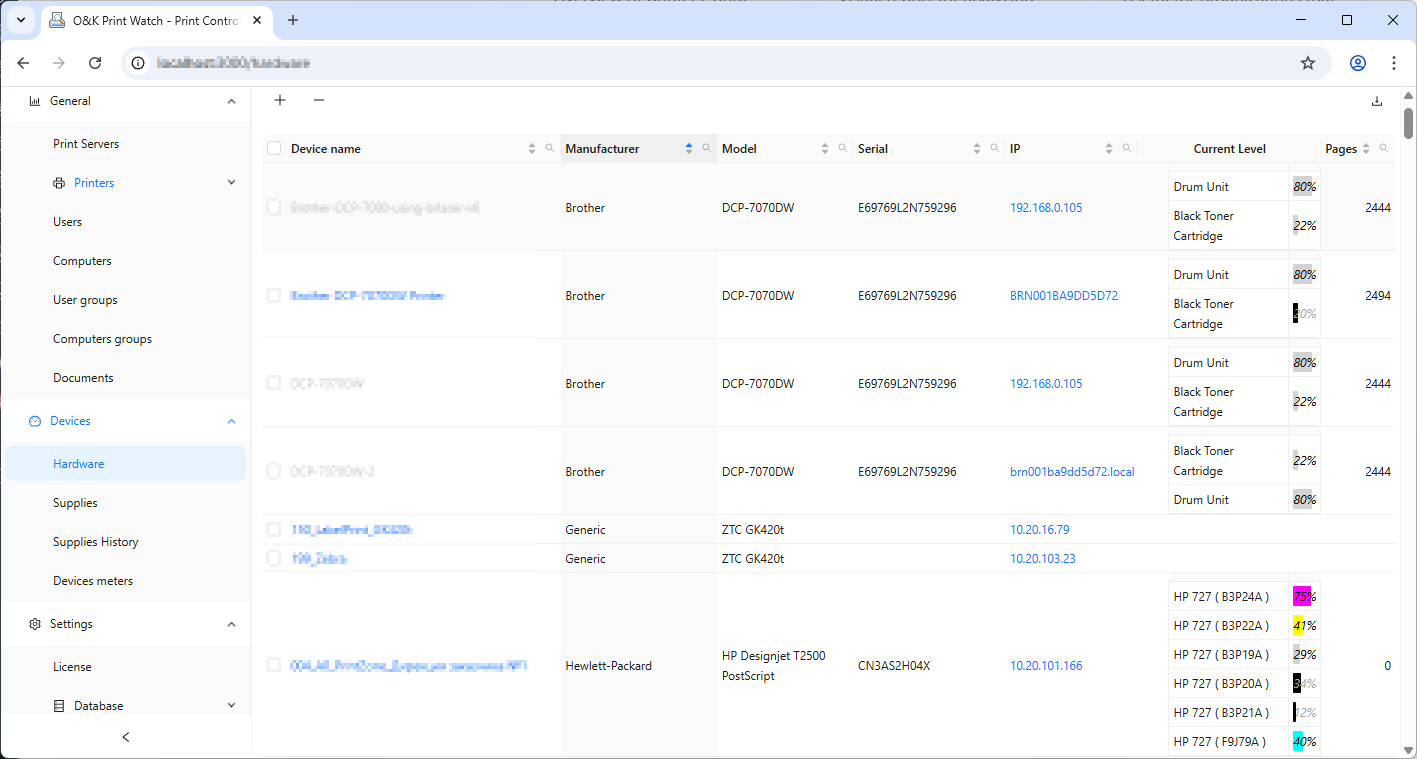
Monitor the current status of printer supplies, including toner and cartridge levels, to identify low consumables in time and reduce printing interruptions.
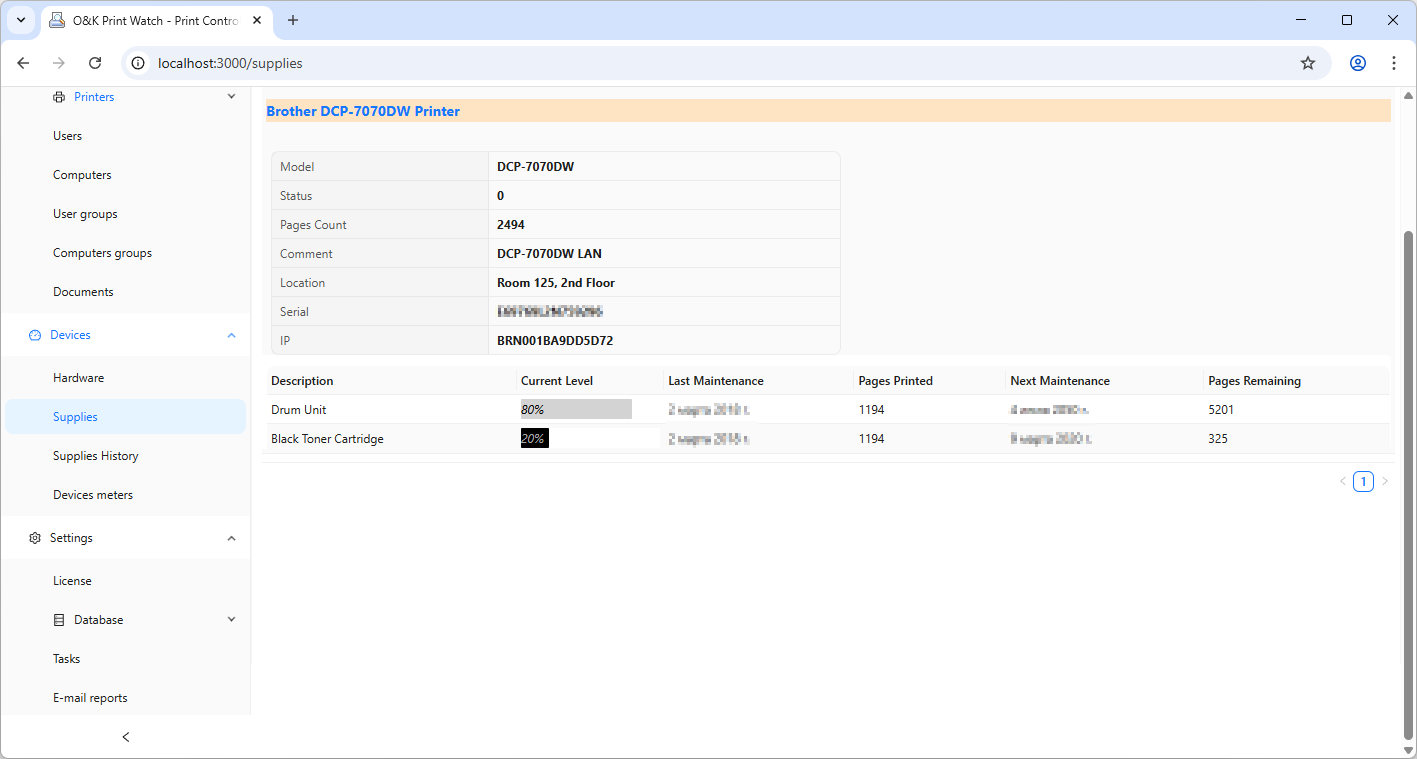
Track printer supplies with detailed information about current toner status, printed page count, and the estimated number of pages remaining before replacement is needed.
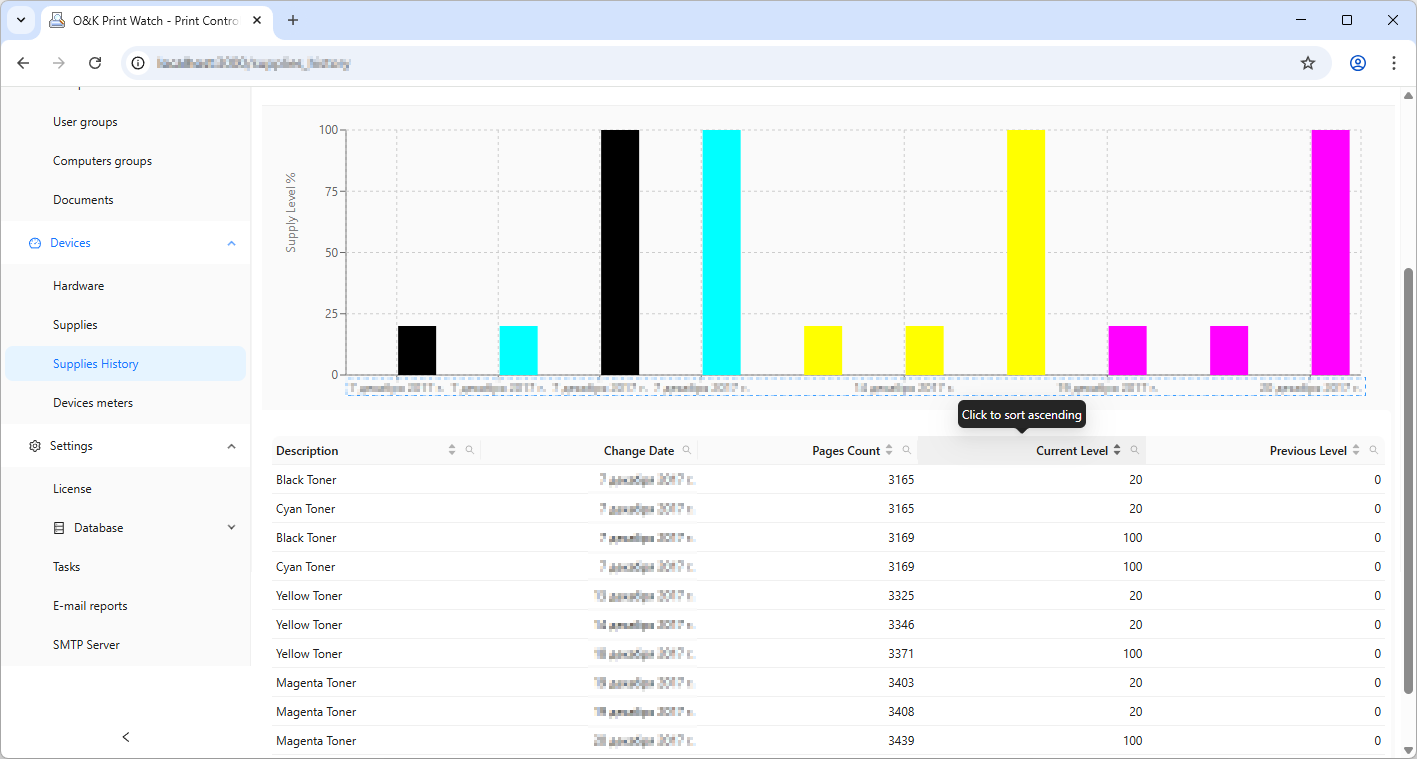
Analyze the timeline of toner and cartridge replacements to understand consumables usage patterns and improve printer maintenance planning.
Learn more about the product, start a trial, or go directly to the purchase page.
Review the screenshots, explore the interface, and see how O&K Print Watch helps monitor and audit printing across your organization.