O&K Print Watch – Authentication Client
O&K Print Watch allows you to protect a printer with a password or PIN code. If you do that, a user trying to print a document will be prompted to enter a password or PIN code. To request a password and send it to the server, O&K Print Watch Authentication Client is used.
Here’s how it works:
- 1A user sends a document to printing. Let’s assume that a PIN-code has been set for the user, user group, and printer.
- 2O&K Print Watch Service will put the document in a print queue with the Paused status and send a prompt to enter the Authentication Client PIN code to the user’s computer.
- 3To continue printing the document, the user must enter the PIN code.
- 4If the PIN code is correct, the document will be printed.
- 5If the user rejects the offer to enter the PIN code, the print job will be removed from the print queue (and the document will not be printed).
IMPORTANT: If a PIN-code has been set for a user, user group, or printer, but O&K Print Watch Authentication Client is not installed or is not running on the user’s computer, the document will not be printed. It will stay in the print queue with the Paused status. The user can neither resume printing the document or remove the print job — only an administrator can do that.
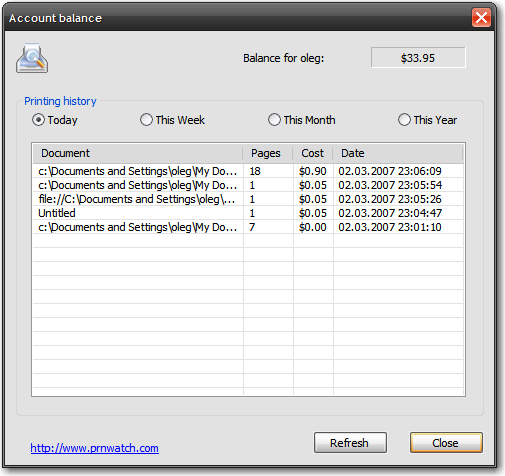
Moreover, users can use O&K Print Watch Authentication Client to view their own printing statistics, balance, and notifications from the server.